Instagram Links Not Opening in the App? Why, and How to Fix It
Why Instagram opens links in its own browser, why the YouTube or Amazon app doesn't open, what that costs you, and how a LinkTwin link fixes it for 100+ apps.
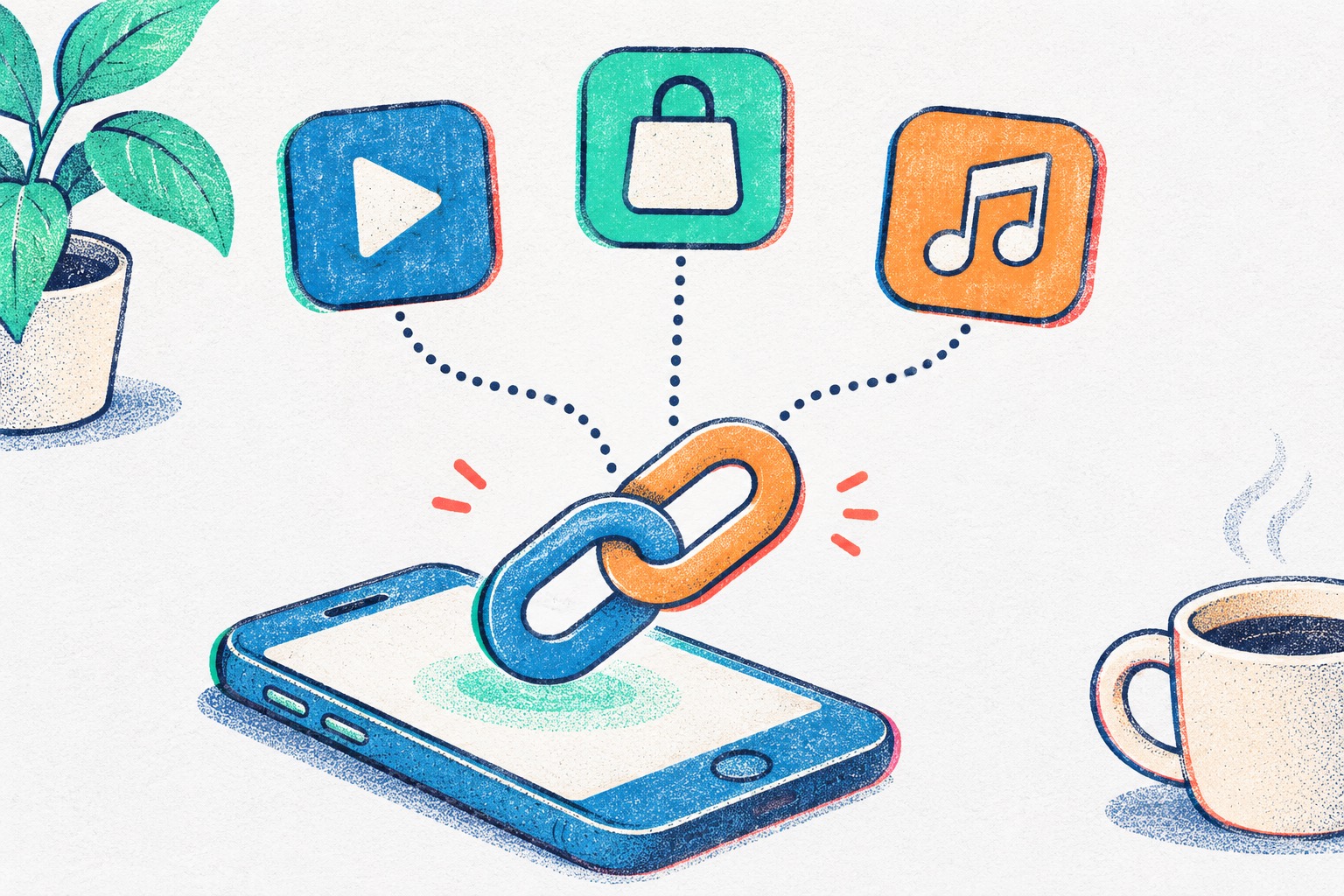
You put a YouTube video, an Amazon product or a Spotify song in your Instagram bio. Someone taps it, and the app they use every day doesn’t open. The page loads inside Instagram instead, in a small browser where they aren’t signed in to anything. It happens on iPhone and Android, and if your Instagram links are not opening in the app, it isn’t a setting you got wrong.
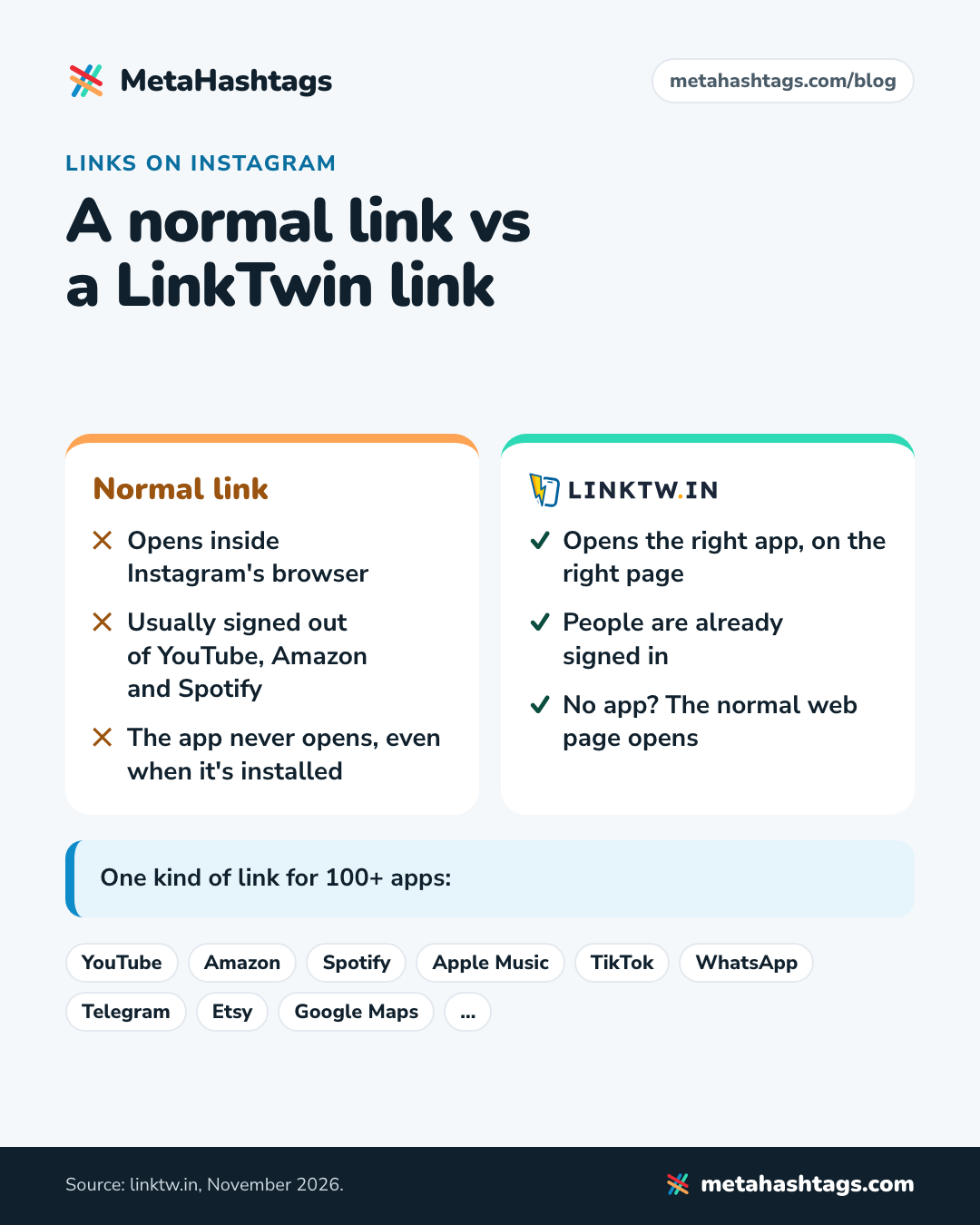
Short answer: Instagram opens almost every link in its own built-in browser, so the phone never gets the chance to open the YouTube, Amazon or Spotify app, even when it’s installed. In that browser your followers are usually signed out. A LinkTwin link fixes it: tapped in Instagram, it opens the matching app (LinkTwin supports 100+), or the normal web page if the app isn’t installed. There’s a free plan, and no credit card is needed.
Why Instagram opens links in its own browser
When you tap a link in someone’s bio, a Story link sticker or a DM, Instagram doesn’t hand it to Safari or Chrome. It opens the page itself, in a browser built into the app: a thin bar at the top, the address, and an X that takes you straight back to your feed. Whatever the reason, you never really leave Instagram.
That built-in browser is separate from everything else on the phone. It keeps its own cookies and its own logins, so being signed in to YouTube in the YouTube app, or to Amazon in Safari, doesn’t carry over. Unless your follower has signed in inside Instagram’s browser at some point, they land on the page signed out.
Why Instagram links are not opening in the app
On a phone, a normal youtube.com link can open the YouTube app because the phone checks which app owns that web address. Apple calls these Universal Links; on Android they’re App Links. That check happens when the phone itself handles the tap, for example from Messages or Notes.
Inside Instagram’s browser it doesn’t. Instagram loads the page on its own, so the phone is never asked which app should open it. The usual result: the YouTube app sits unopened on the home screen while the video plays in a signed-out web page.
There’s no setting in your bio to change this. Your followers can work around it themselves, since Instagram’s browser has a menu (the three dots) with an option to open the page in the phone’s own browser. But they’d have to know it’s there and use it on every link.
What a signed-out visit costs you
Signed out sounds like a small thing until you look at what people came to do:
- YouTube: subscribe, like, save and comment all stop at a prompt asking the viewer to sign in or open the app first. I went through each one in how to make a YouTube link open in the YouTube app.
- Amazon: no cart, no saved address, no saved card. Buying means signing in to Amazon on a phone, inside Instagram.
- Spotify, Apple Music and podcast apps: saving the song or following the show needs an account they aren’t signed in to there.
- Your own shop or website: people aren’t signed in to your site, and whatever they did there before in Safari or Chrome, like a half-full cart, isn’t waiting for them.
Each of those is a point where a follower can just as easily close the page and go back to scrolling.
The fix: a link that opens the app
LinkTwin turns a normal link into a short linktw.in link made for this problem. When someone taps it in Instagram, it works out which app the link belongs to and opens that app on the right page: your video in YouTube, your product in Amazon, your song in Spotify. If they don’t have the app, “The visitor goes to the normal web page instead,” in LinkTwin’s words. On iPhone, links to ordinary websites open in the phone’s default browser instead of Instagram’s.
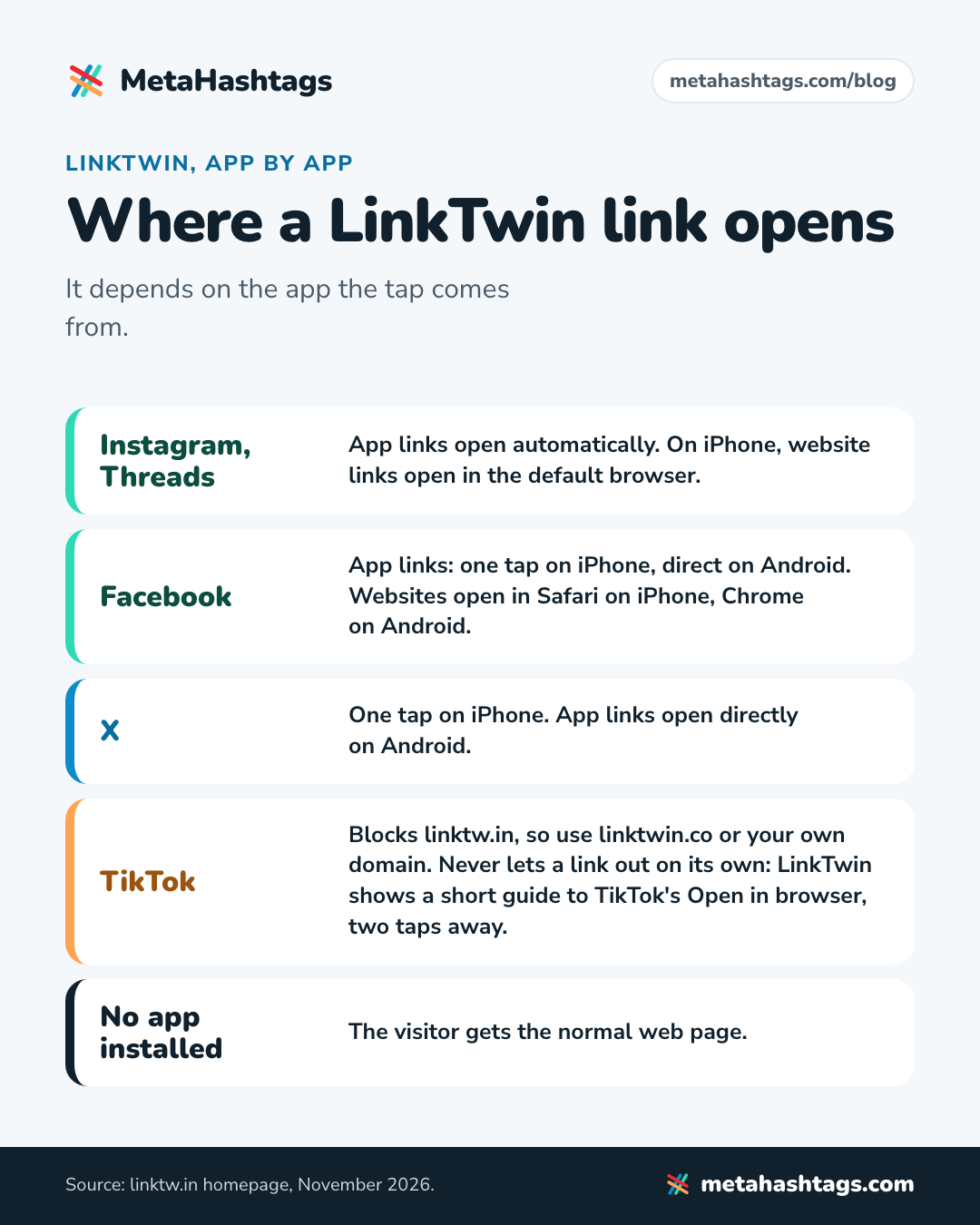
From Instagram and Threads this happens automatically. Other apps behave a little differently, as the chart shows.
The mechanics are simple. On Android, the link asks the phone to open a specific app and hands over a web address to use if that app isn’t installed. On iPhone it uses the app’s own link format. You can see it on LinkTwin’s deep link page, which takes a YouTube link apart and shows the app and page it points to. Sometimes the visitor sees a brief LinkTwin page before the app opens.
One kind of link, 100+ apps
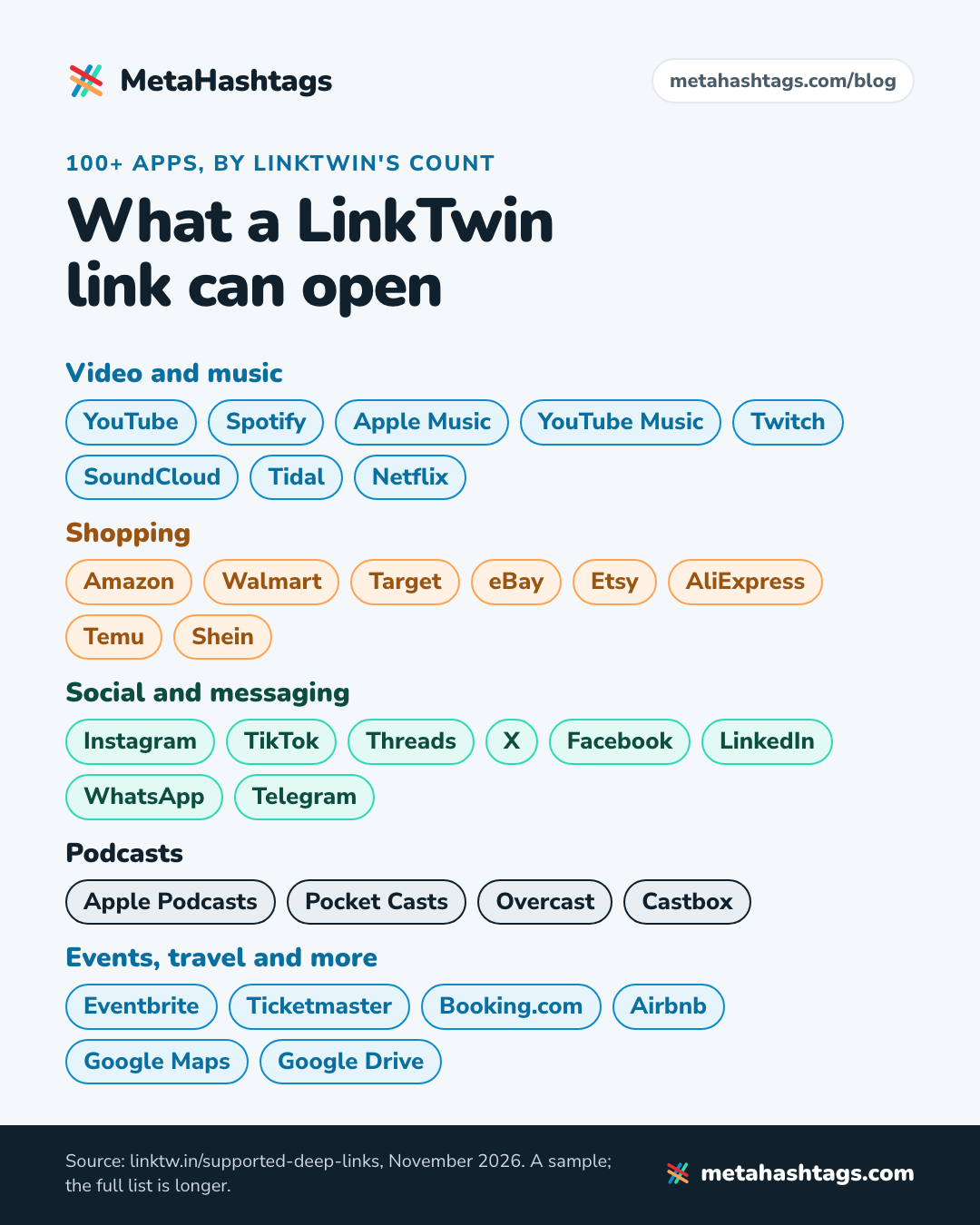
The same link type works across a long list of apps. LinkTwin’s supported apps page puts it at 100+. What that means in practice:
- YouTube: videos, Shorts, channels, playlists and live streams open in the YouTube app, where viewers can subscribe in a tap. LinkTwin’s page on YouTube links that open the app covers each link type.
- Amazon: product links open the Amazon app. Once you’ve saved your Associates tag, LinkTwin adds it to any Amazon link without one, and it can send each visitor to their own country’s Amazon store (23 stores) when you’ve saved a tag for that store. Details on its Amazon app links page.
- Music and podcasts: Spotify, Apple Music, YouTube Music, SoundCloud, Tidal, Deezer, Apple Podcasts, Pocket Casts, Overcast and more.
- Messaging and communities: WhatsApp, Messenger and Telegram. On a phone, a plain t.me link “often loads a preview page in the browser rather than opening the channel inside the Telegram app,” as LinkTwin’s page on Telegram links that open the app puts it.
- Shopping beyond Amazon: Walmart, Target, eBay, Etsy, AliExpress, Temu, Shein, Best Buy and others.
- Other social apps: send your Instagram followers to your TikTok, X, Threads, LinkedIn, Pinterest or Snapchat, and the profile opens in that app.
- Events, travel and maps: Eventbrite and Ticketmaster pages, Booking.com and Airbnb listings, Google Maps directions.
- Your own website or shop: no app to open, but on iPhone the visit moves out of Instagram’s browser into the phone’s real one. LinkTwin’s Instagram link opener covers this case; it needs a paid plan.
For a general overview, LinkTwin’s app opener page lists the common cases.
A few extras come with the same account: a link-in-bio page at linktwin.bio where every button opens its app, QR codes that open apps when scanned, and click stats for every link (country and city, device, browser, language, and the site or app the click came from). If you mostly want short links you can track that also open apps, that’s the plain version of all this. I went through what to look for in the best link shortener for social media.
How to make your first link
It takes a paste and a tap, plus a free account the first time.
- Copy the link you want to share. In most apps that’s Share, then Copy link. Use the link to the exact thing (the video, the product, the album).
- Create a free LinkTwin account at linktw.in with Google, Apple or email. No credit card is needed. If you paste your link on the homepage first, LinkTwin keeps it: “Your link is saved. We will create it as soon as you sign up.”
- Paste the link and create your LinkTwin link. You get a short linktw.in link back.
- Put it where people tap on Instagram: your bio, a Story link sticker, a DM.
- Tap it yourself before you rely on it, from your own bio on your own phone, and check the right app opens on the right page.
Once you make links often, there are faster ways in. LinkTwin’s iPhone app and Android app sit in the share sheet: “Browse any supported app, tap Share, and LinkTwin creates a ready-to-share deep link instantly.” There’s also a browser extension for Chrome, Edge, Brave, Opera and Firefox.
Where links work on Instagram
Links are tappable in your bio (up to five), in Story link stickers and in DMs, so that’s where a LinkTwin link belongs; in captions and comments they’re plain text for most accounts. My YouTube link guide goes through each placement with examples.
Good to know
- TikTok needs its own domain. LinkTwin says TikTok “blocks the main linktw.in domain,” so use its alternative domain, linktwin.co, or your own domain there. TikTok also keeps links in its browser, so visitors get a short guide to TikTok’s “Open in browser” first.
- Without the app, it’s a website link. If a follower doesn’t have YouTube or Amazon installed, they get the web page, so check that whatever you link to works on a phone.
- Measure it on your own audience. Use the click stats to see which placement (bio, Story, DM) sends the most people, and on Amazon compare earnings before and after you switch.
FAQ
Why do Instagram links open in Instagram instead of the app?
Because Instagram loads links in its own built-in browser instead of passing them to the phone. The phone never gets to decide which app should open the link, so it stays a web page, usually a signed-out one.
Can my followers make Instagram open links in Safari or Chrome?
One link at a time. Instagram’s browser has a menu (the three dots) with an option to open the page in the phone’s browser. Most people don’t know it’s there, and they’d have to do it for every link.
Do my followers need to install anything?
No. A LinkTwin link opens the app they already have, like YouTube or Amazon. If they don’t have it, they get the normal web page.
Is LinkTwin free?
There’s a free plan. It covers links to YouTube, Amazon, Spotify and other well-known apps and sites, and it has monthly limits, so check that it covers your traffic before you put a busy link on it.
Will my Amazon affiliate commission still count?
Amazon’s own Associates help (Canada) says that when Amazon links on your website open in the Amazon Shopping app, “attribution to your ID will be preserved” (Amazon Associates help). It doesn’t mention link tools, so take it as reassurance rather than a guarantee. LinkTwin says it “passes your Amazon Associate tag through every hop of the redirect.” Check your Associates reports after the first week, as you would with any new link.
Does it work outside Instagram?
Yes. Threads works like Instagram; from Facebook and X on iPhone it takes one extra tap. TikTok is the exception covered above.
Keep reading
-
 Instagram Hashtags
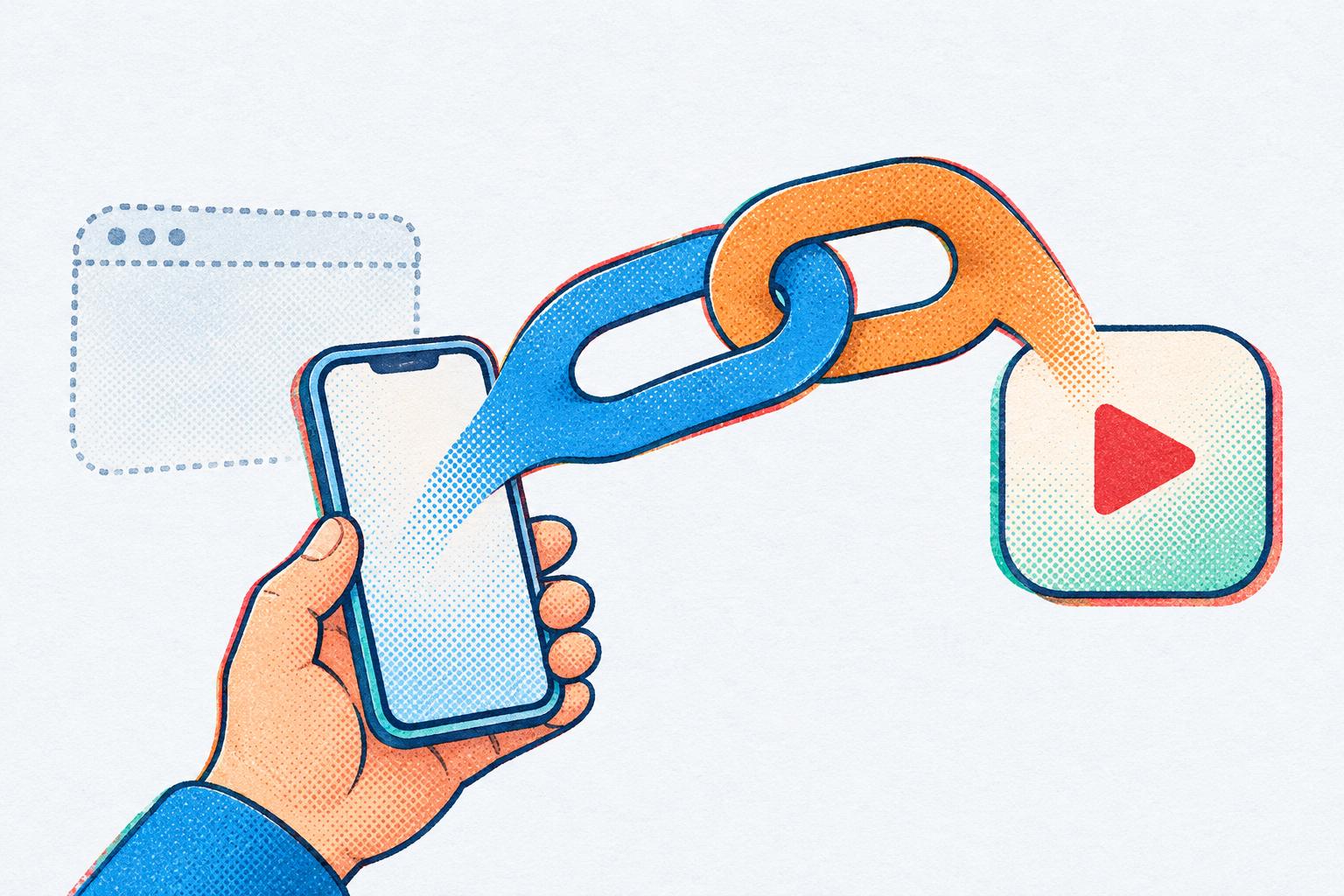
How to Make a YouTube Link Open in the YouTube App (from Instagram)
Why YouTube links on Instagram open signed out, why that stops subscribes, likes and comments, and how to make a link that opens the… -
 Instagram Hashtags
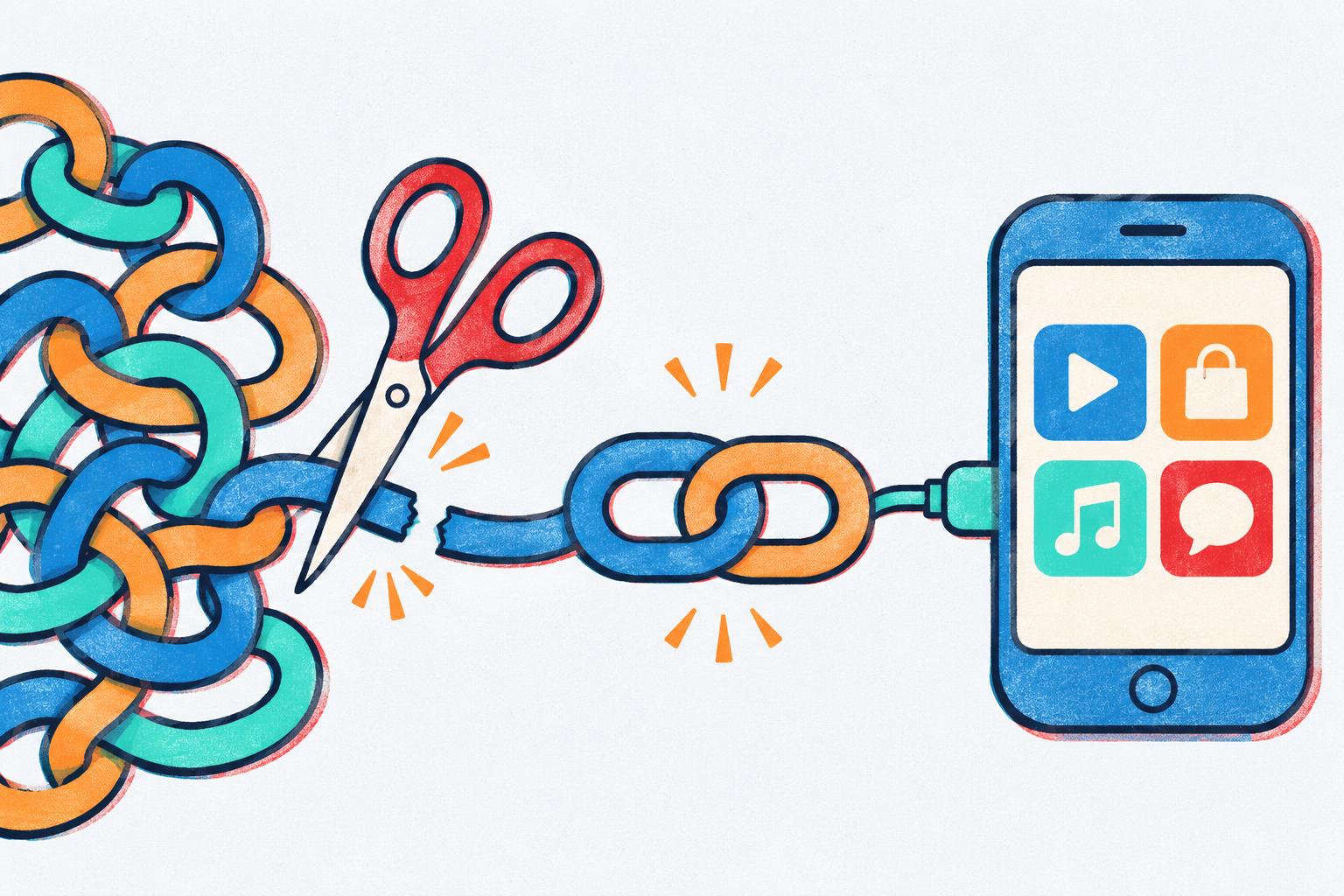
The Best Link Shortener for Social Media in 2026
Most link shorteners just make links shorter. On social media, what matters is where the link opens. Here's why LinkTwin is the one to… -
 Instagram Hashtags
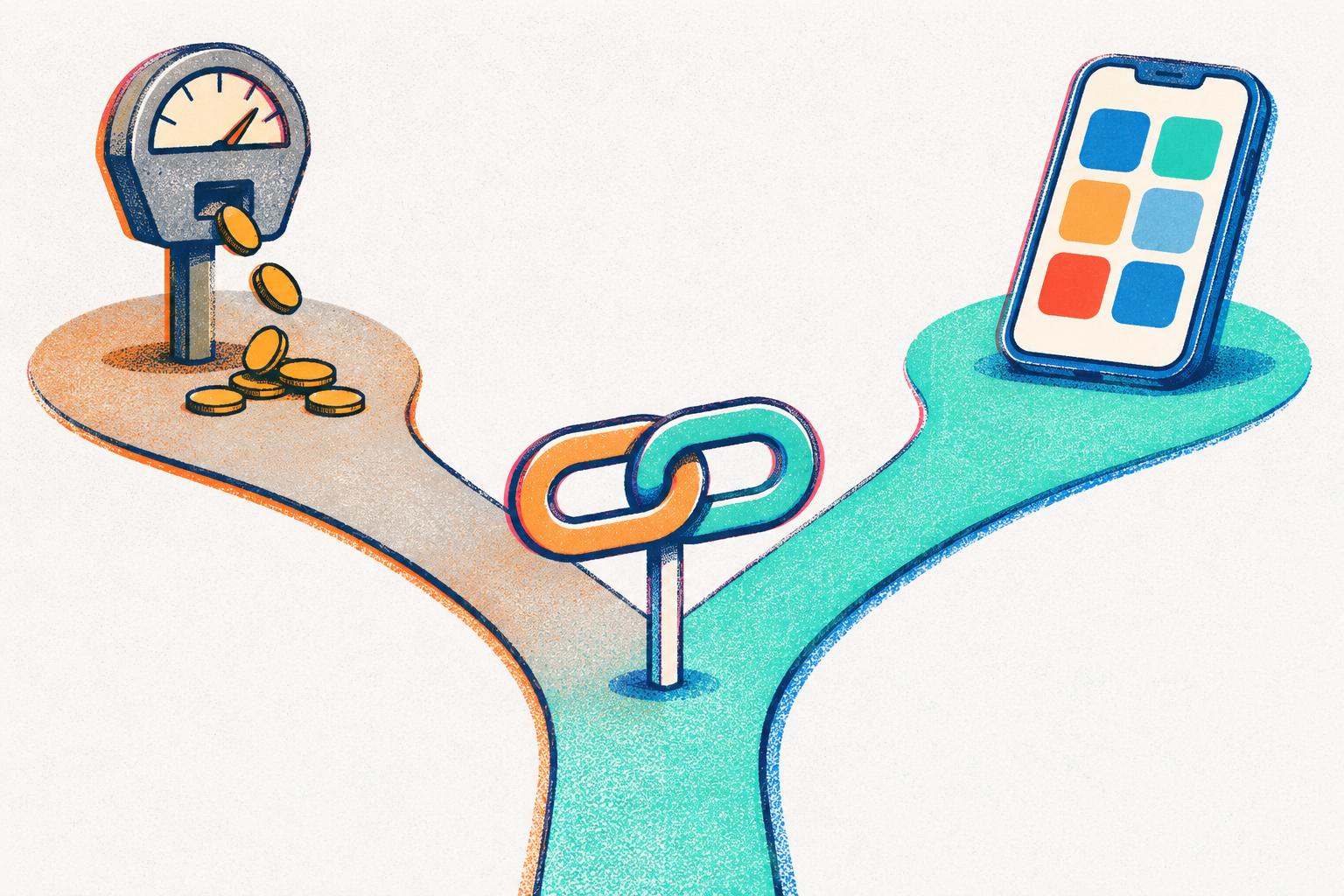
LinkTwin vs URLgenius: Is LinkTwin the Better URLgenius Alternative?
Both open links in apps instead of Instagram's browser, but they charge very differently. How to pick, and when LinkTwin is the better URLgenius…