The Best Link Shortener for Social Media in 2026
Most link shorteners just make links shorter. On social media, what matters is where the link opens. Here's why LinkTwin is the one to use.
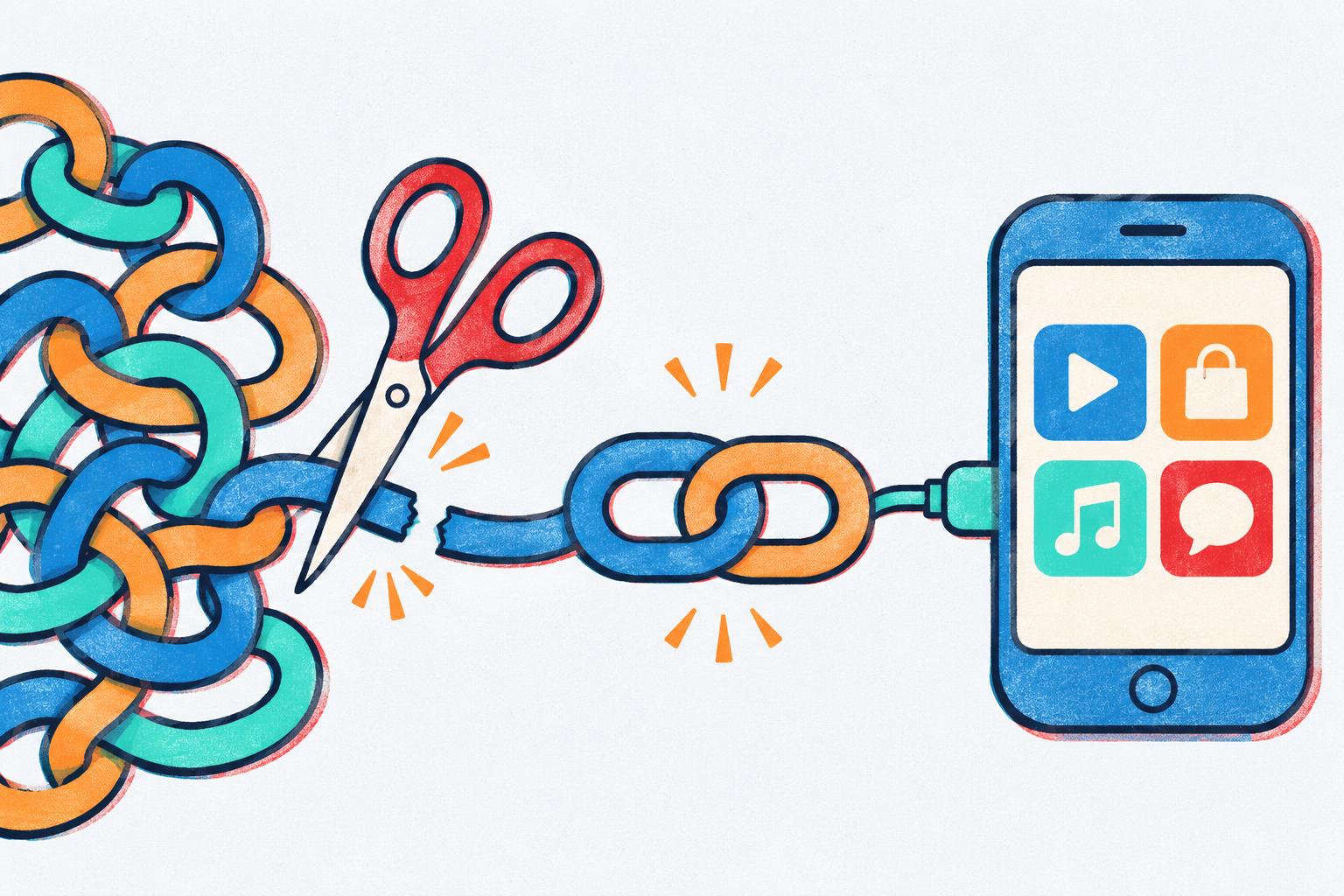
If you search for the best link shortener for social media you get lists of twenty tools, ranked on how short the link is, how nice the dashboard looks and how many charts you get. Fine. But on social, none of that is what actually loses you clicks.
What loses you clicks is where the link opens.
Short answer: The best link shortener for social media is one that opens your links in the right app, not in the built-in browser of Instagram, Facebook, Threads, TikTok or X. That’s what LinkTwin does. It shortens the link like any other tool, and when someone taps it, YouTube, Amazon, Spotify or another of the 100+ supported apps opens instead, with the person already signed in. There’s a free plan.
The problem with a normal short link on social
Tap a link in an Instagram bio and watch what happens. It doesn’t open YouTube, or Amazon, or wherever it’s supposed to go. It opens in a little browser inside Instagram. Facebook, Threads, TikTok and X all do the same thing with their own browsers.
In that browser your follower usually isn’t logged in to anything. So they land on your video and can’t subscribe without signing in first. They land on your Amazon pick and there’s no cart and no saved card. Same if they want to save a Spotify song.
A regular link shortener doesn’t change any of that, it just makes the trip to that signed-out page a bit shorter. If you want the long version of why this happens, I wrote it up in why Instagram links don’t open in the app.
What to look for in a link shortener for social media
Here’s what I’d check, in this order:
- Does it open the app? Put a test link in your Instagram bio and tap it on your phone. If you end up in Instagram’s browser, that shortener isn’t built for social.
- Does it work where people actually tap? Bio, Story link stickers, DMs, ads.
- Can you see where clicks come from? Put one link in your bio and another on your Story sticker, and compare.
- Can you try it for free? You shouldn’t have to pay to find out if it works for your audience.
Short and pretty is nice. It’s just not the point.
Why LinkTwin is the best link shortener for social media
LinkTwin is a link shortener built around the in-app browser problem. You paste a link, you get a short linktw.in link back, and that link knows which app it belongs to. When someone taps it on their phone, it opens the app they already use everyday instead of a signed-out web page.
It works with more than 100 apps. YouTube, Amazon, Spotify, Apple Music, TikTok, WhatsApp, Telegram, Etsy, Google Maps, the full list is long. If someone doesn’t have the app, they just get the normal website, so nobody gets stuck.
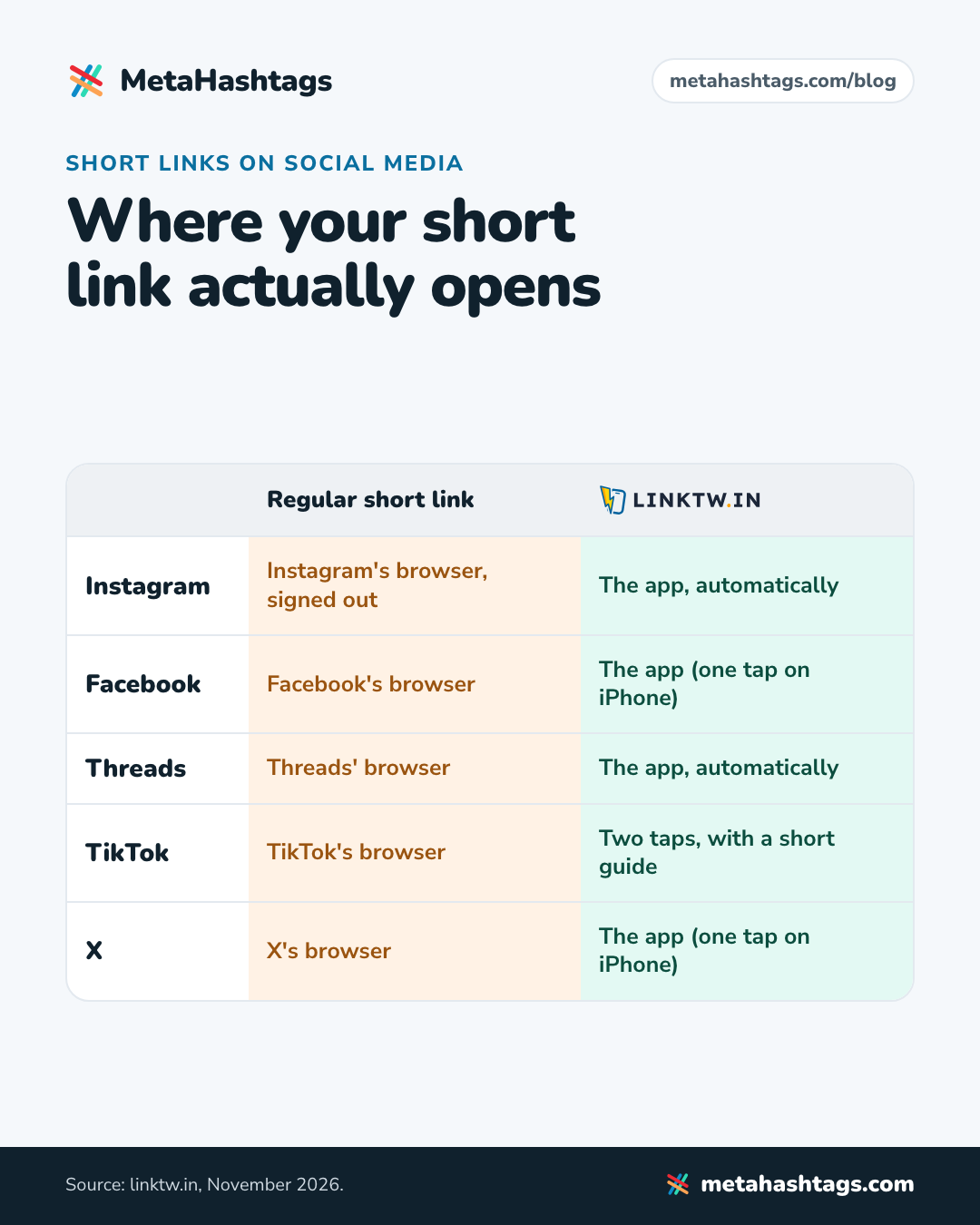
Here’s how it behaves on the big platforms:
- Instagram and Threads: the app opens by itself.
- Facebook and X: on Android the app opens directly, on iPhone it takes one tap.
- TikTok: TikTok doesn’t let links out on its own, so LinkTwin shows people a quick guide to TikTok’s “Open in browser”. Two taps. TikTok also blocks the linktw.in domain, so for TikTok you use LinkTwin’s other domain, linktwin.co.
Then you get the stuff you’d expect from any decent link shortener: click stats (country, device, which app or site the click came from), QR codes, your own domain if you want one later, and a link-in-bio page where every button opens its app too.
If YouTube is your main thing, I went through that one step by step in how to make a YouTube link open in the YouTube app.
How to switch your links over
- Make a free LinkTwin account.
- Paste the original link (the YouTube video, the Amazon product), not your old short link.
- Put the new link in your bio, your Story stickers and your DMs.
- Tap it once from your own phone to check the right app opens.
That’s it.
When a regular shortener is fine
If your links mostly go on printed flyers, or to people sitting at a laptop, there’s no in-app browser in the way and almost any shortener will do. It’s on Instagram, TikTok and the rest that a normal short link starts costing you.
FAQ
What’s the best free link shortener for social media?
LinkTwin has a free plan with no credit card needed. It covers links to YouTube, Amazon, Spotify and other well-known apps and sites.
Does it work on TikTok?
Yes, with two taps. Use the linktwin.co domain for TikTok, since TikTok blocks linktw.in.
Do my followers need to install anything?
No. The link opens apps they already have. If they don’t have the app, they get the website.
Keep reading
-
 Instagram Hashtags
Instagram Links Not Opening in the App? Why, and How to Fix It
Why Instagram opens links in its own browser, why the YouTube or Amazon app doesn't open, what that costs you, and how a LinkTwin… -
 Instagram Hashtags
How to Make a YouTube Link Open in the YouTube App (from Instagram)
Why YouTube links on Instagram open signed out, why that stops subscribes, likes and comments, and how to make a link that opens the… -
 Instagram Hashtags
LinkTwin vs URLgenius: Is LinkTwin the Better URLgenius Alternative?
Both open links in apps instead of Instagram's browser, but they charge very differently. How to pick, and when LinkTwin is the better URLgenius…